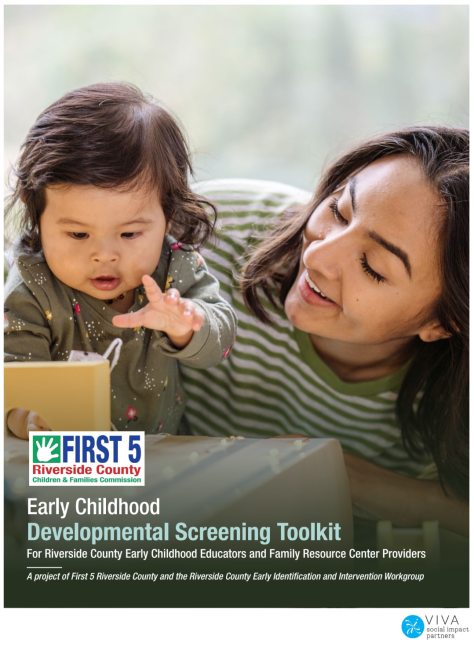
For Riverside County Early Childhood Educators and Family Resource Center Providers
Early identification and connection to services is simply the practice of standardizing screenings for all children from birth to age five, flagging as early as possible when there are developmental or behavioral concerns, and getting families and their children connected to services that meet their needs. Research shows that when developmental or behavioral concerns are identified and addressed early while a child’s brain is still developing, children have improved long-term outcomes and a reduced need for more intensive interventions later in life. In other words, children have a greater opportunity to reach their full potential.
This Developmental Screening Toolkit for early care and education (ECE) and family resource center (FRC) providers is a collaborative project of the Riverside County Early Identification and Intervention (EII) Workgroup, supported by an investment of First 5 Riverside County.

The following pages are included in the Developmental Screening Toolkit but are provided here as individual documents for parents and providers who may want to download or print specific sections of the toolkit. All sections are provided here in English as well as Spanish.
Resources to Share with Families
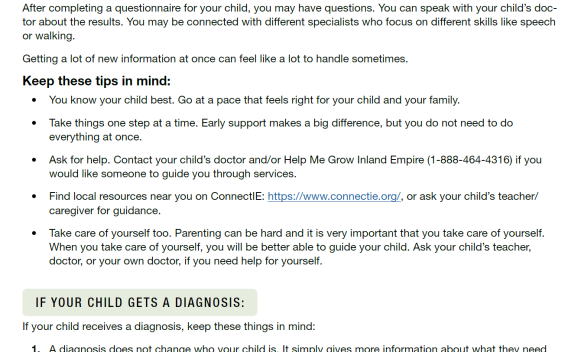
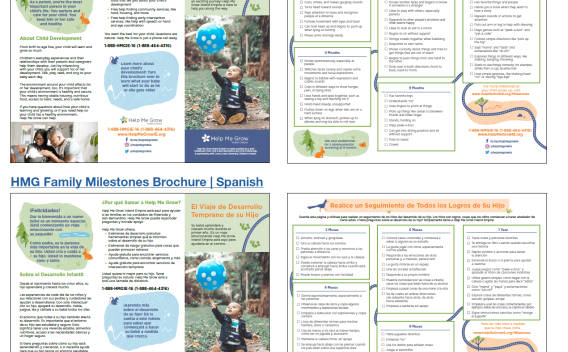
Guides and Overviews for Providers
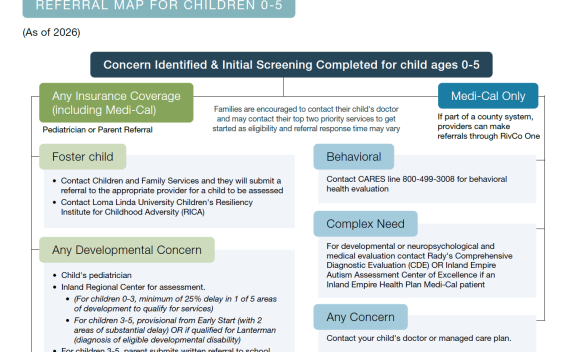
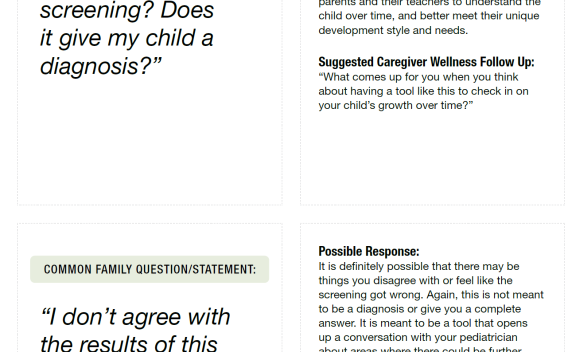
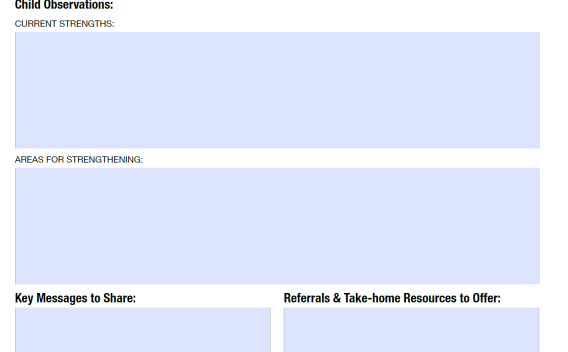
Worksheets for Providers
Activities to Support Healthy Development
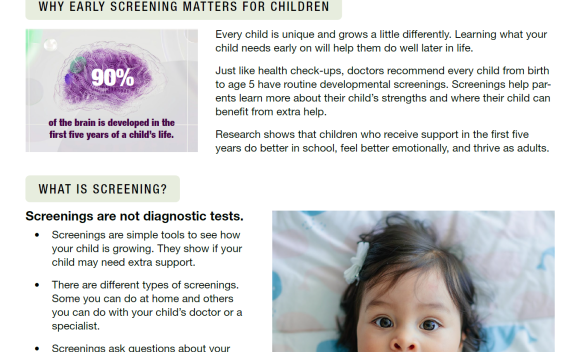
Screening young children helps parents understand their child’s development through every milestone in their earliest years. Screenings also alert parents to developmental delays or disorders before they start school, helping them to understand next steps at a critical age, even before their children begin school.
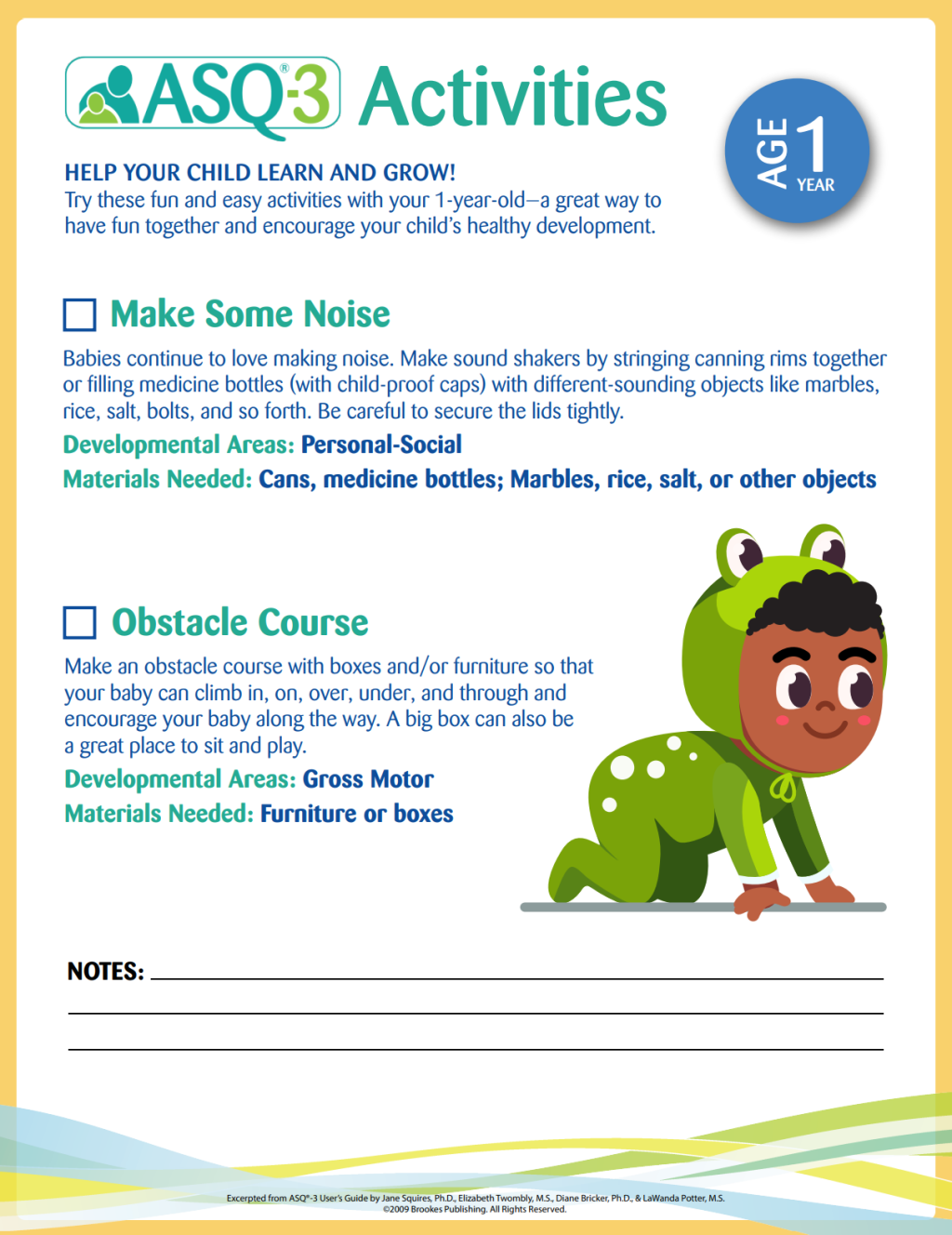
The following worksheets from the Ages and Stages Questionnaire developmental screening series give families activities they can do with their children, fostering bonding and allowing children to have fun while parents and caregivers support their development. These include ASQ:SE-2 activities that focus on social-emotional development.
©2009 Brookes Publishing. All Rights Reserved.
Related First 5 Riverside County Documents
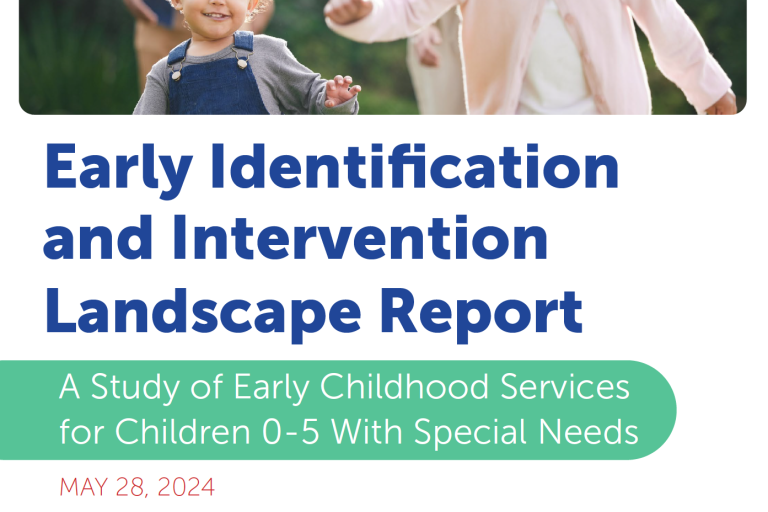
This report serves as a foundational step in focusing the community’s attention on strengths and needs across regions with the overarching goal of ensuring access to care and improved outcomes for children ages 0-5 in Riverside County.
Early Identification and Intervention Landscape Report